

Outcome
Complete one structured examination and save a reviewed result without changing protected system settings.
Applies to
This guide covers the common path in Movetrics Studio. Use the instructions shown for the selected examination and give the person being measured the protocol-specific cue before starting.
Before you begin
- Confirm the system is connected, the plates are stable, and the test area is clear.
- Choose a measurement suitable for the person and arrange any required spotting.
- Know the agreed task, footwear, stance, and other conditions you need to record.
- Prepare the correct project and Subject record. Enter only information required by your organisation.
Steps
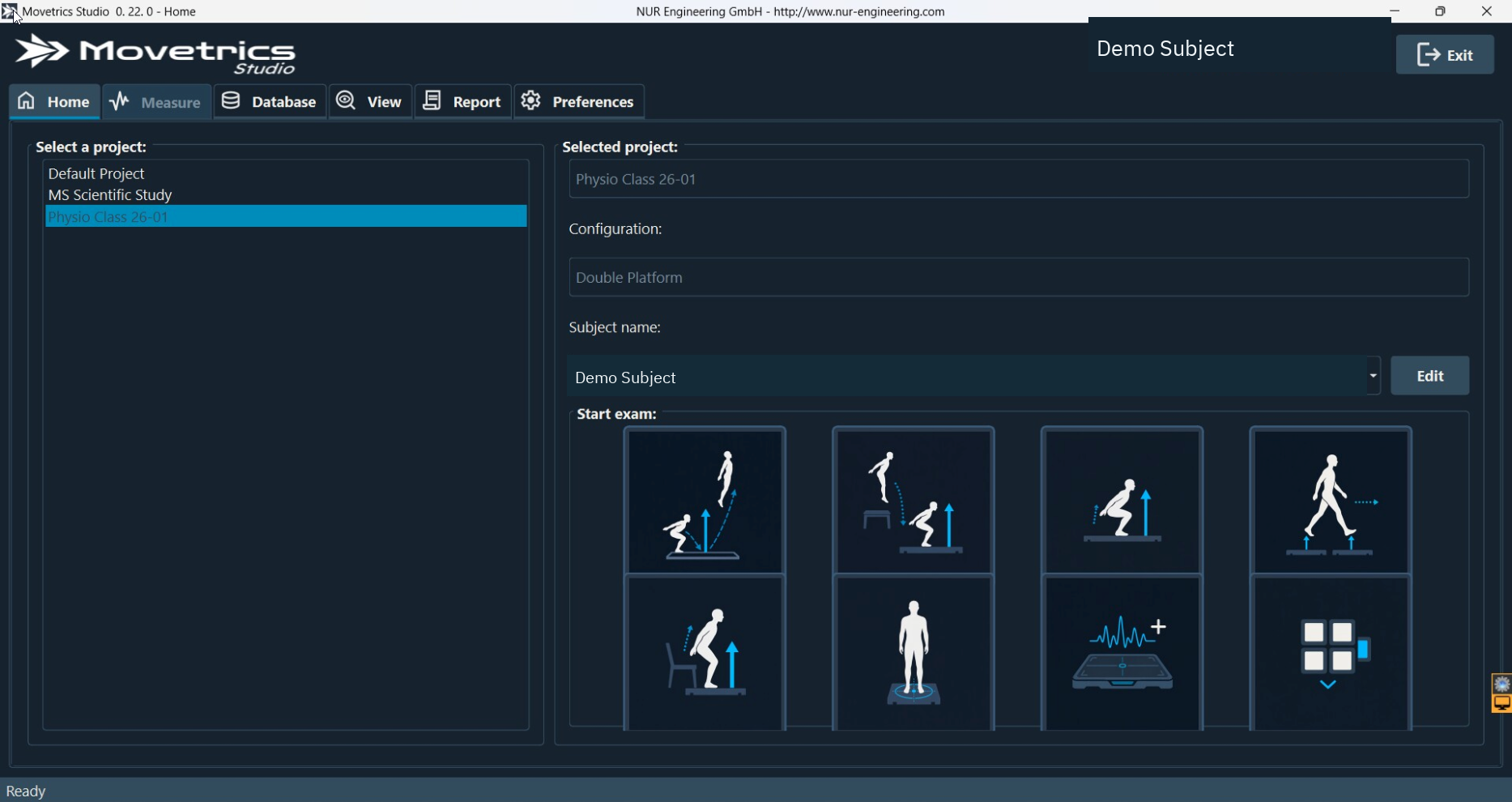
- Open Movetrics Studio and wait for the ready state.
- On Home, choose the correct project.
- Select the force-plate configuration that matches the physical arrangement and orientation.
- Select the correct Subject.
- Select the required examination tile. Measure opens with the examination wizard.
- Keep all force plates completely unloaded while the wizard performs tare.
- Ask the person to step on or move into position only when the wizard prompts you.
- Confirm the person understands the complete task and the area is clear.
- Follow each on-screen or audio prompt. Do not interrupt an automatic step.
- Ask the person to remain still after the task until the wizard allows them to step off.
- Open View, select the new examination, and inspect the trace and event sequence.
- Enter the examiner and notes, including setup, instructions, deviations, and any reason for repetition.
- If the trial is usable, select Generate report, wait for Report to open, review it, and save it to the approved location.
You should now see
The new examination appears in View under the correct project and Subject. Its trace matches the observed task, and any saved report belongs to that examination.
Stop or repeat when
- Anything touches a plate during tare.
- The wrong project, Subject, configuration, or examination was selected.
- The person moves when asked to stand still, misses a plate, or does not follow the agreed task.
- The trace or event order does not match what you observed.
If it does not work
Return to Home and check the four selections before trying again. If connection, tare, or reporting repeatedly fails, preserve the saved examination and record the exact step and visible message.