

Outcome
Complete normal record and display tasks and capture the exact installed system information needed for controlled support or updates.
Applies to
This guide covers customer-admin tasks in Database, View, and Preferences. It does not authorise service-level changes.
Before you begin
- Confirm you are assigned as a customer administrator.
- Save any active examination before changing records or closing the application.
- Treat controller information and Subject information as restricted data.
Steps
- Use Database to create or link projects and Subjects according to your organisation’s data rules.
- Select only approved force-plate configurations that match the physical setup.
- Use View to correct the examiner or add factual notes without changing the recorded signal.
- Save reports and exports only to approved locations.
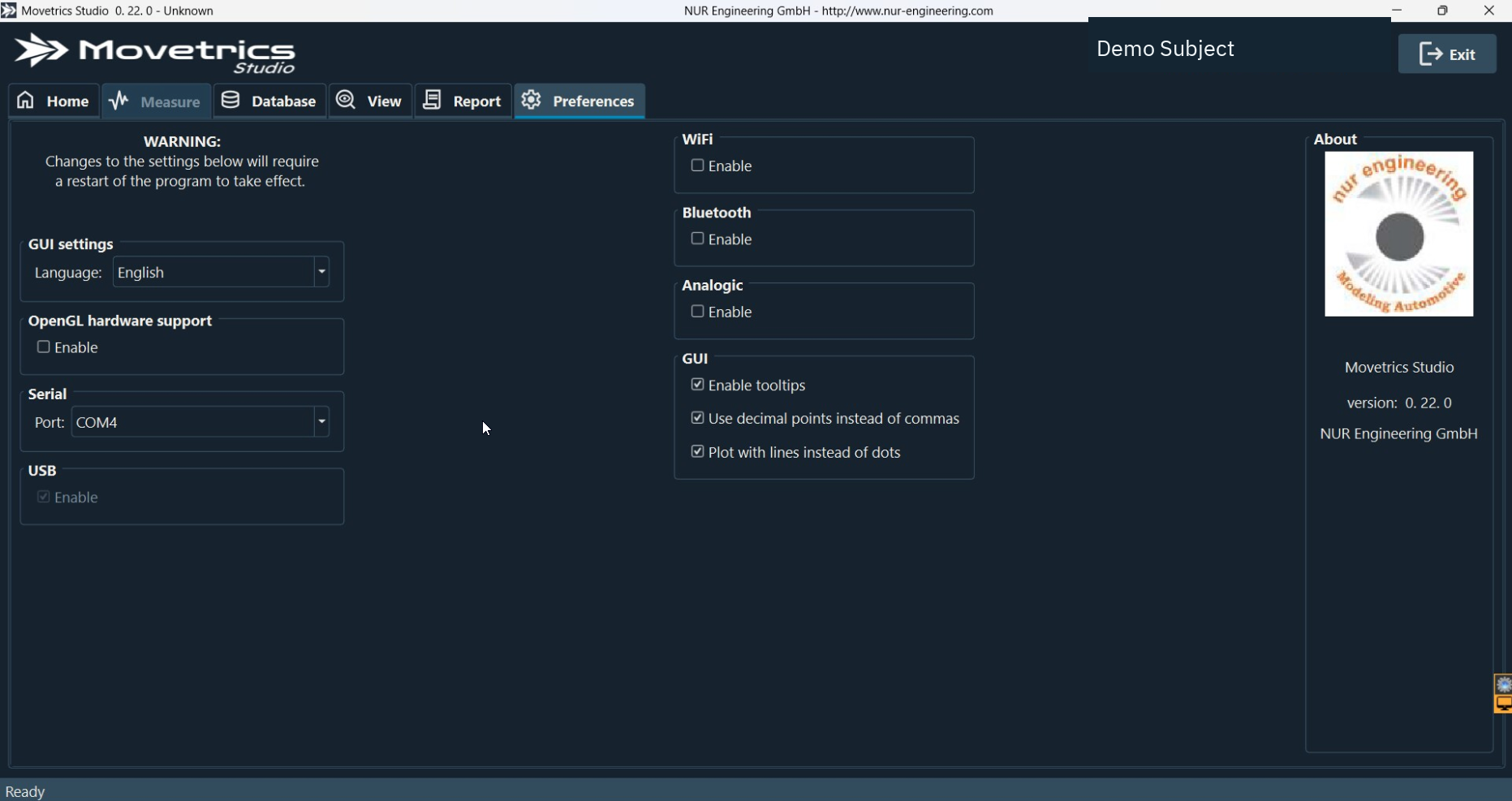
- Open Preferences.
- Copy the complete Movetrics Studio version exactly as displayed.
- Record the controller information privately; do not post it on a public page or include it in an unprotected screenshot.
- Record the firmware information shown for the relevant components.
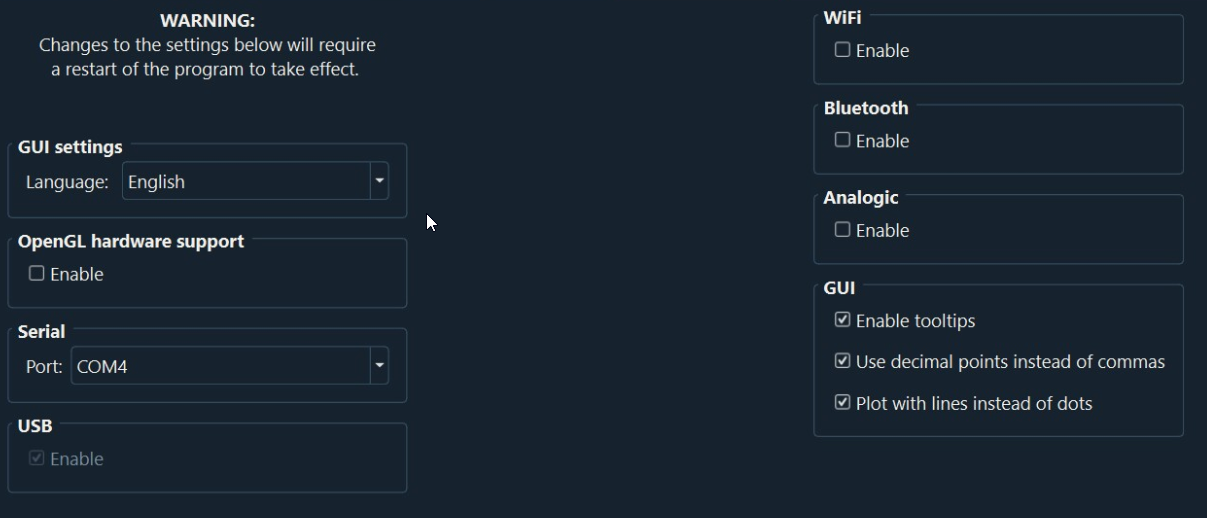
- Normal interface options such as tooltips, decimal display, and chart appearance may be changed when your organisation permits them.
- Change the serial-port selection only when the installed controller assignment has changed and the approved procedure requires it; restart Movetrics Studio afterward.
- Leave licensing, firmware updates, database recovery, data-service settings, and non-authorised calibration unchanged.
You should now see
Routine records are organised correctly, and you have an exact private record of the software, controller, and firmware information without altering protected settings.
Stop or repeat when
- The requested task affects licensing, firmware, calibration, database migration or recovery, or service configuration.
- You cannot identify the correct record, configuration, or installed version.
If it does not work
Return to the last known approved setting. Do not reinstall software or edit protected files. Record the screen, requested task, and exact information already collected.