

Outcome
Record a custom task with a written setup, exact start and stop points, and enough notes to understand the recording later.
Applies to
Use Free Recording when no structured examination matches the planned task. A custom recording does not by itself establish a standard protocol or validated interpretation.
Before you begin
- Write the task purpose, setup, person cue, start event, stop event, and repeat criteria.
- Choose an approved plate configuration that matches the physical arrangement.
- Clear the task area and arrange spotting or equipment safeguards as required.
- Select the correct project, Subject, and configuration.
- Cue the person with the complete written task and confirm they understand it.
Steps
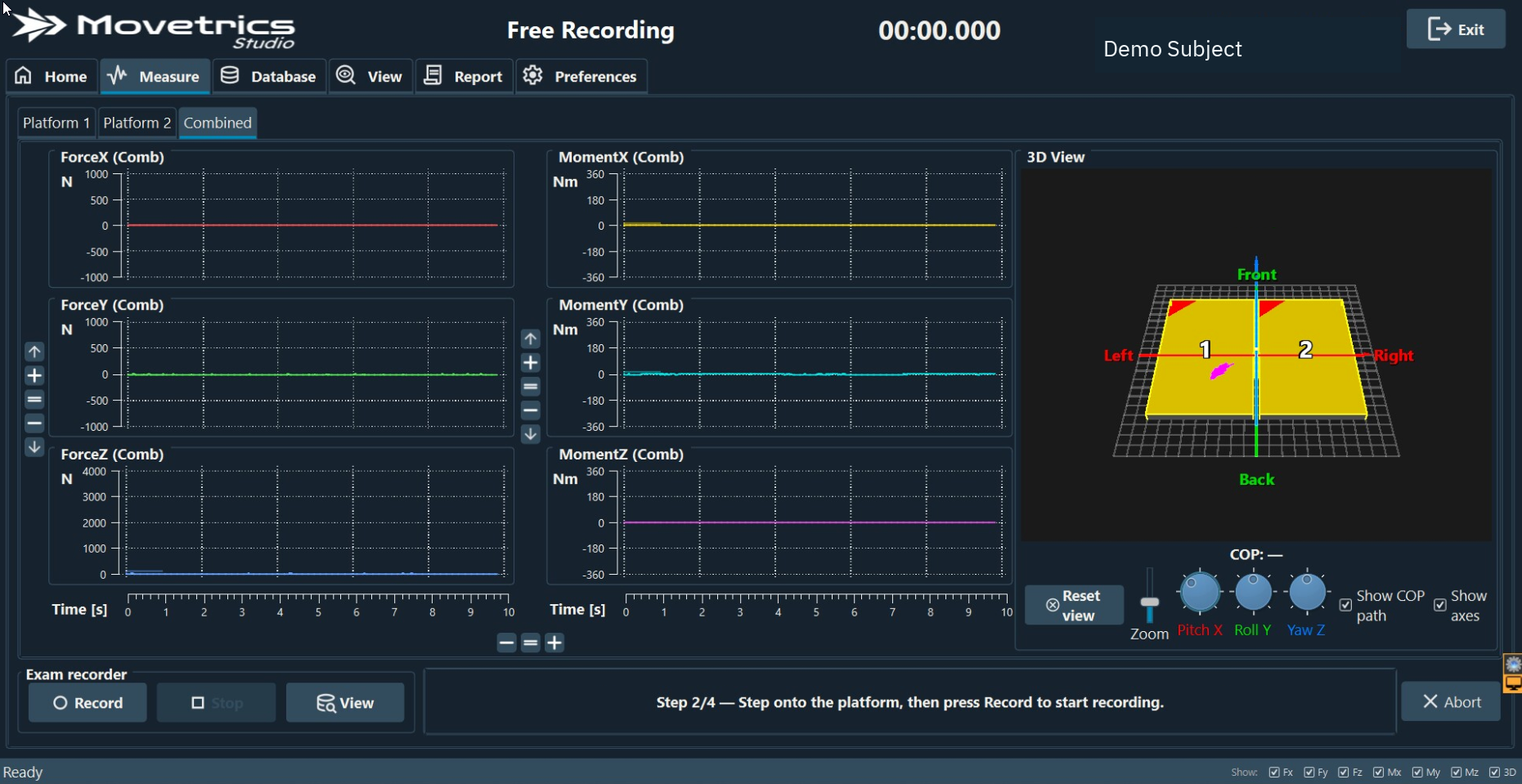
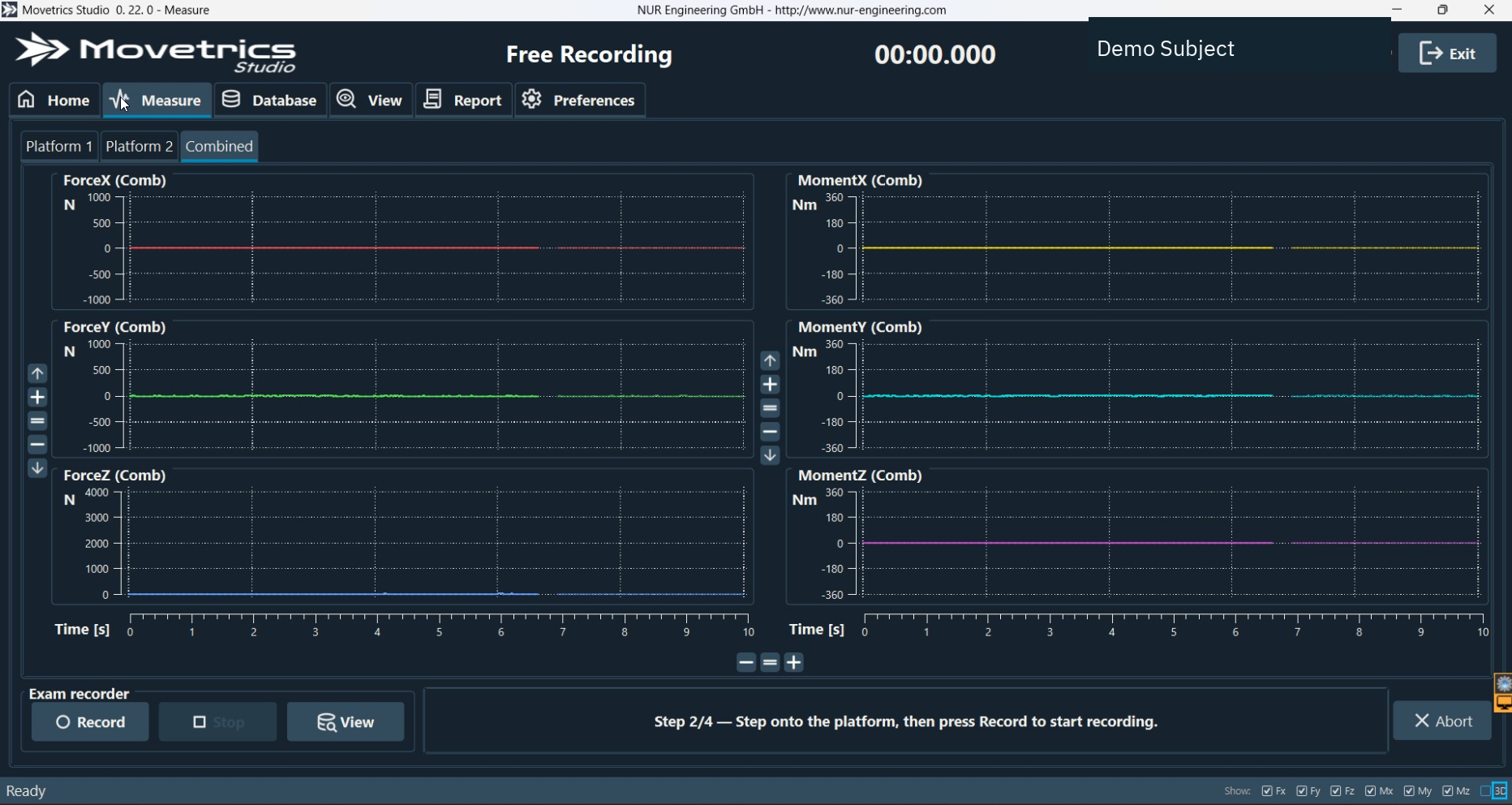
- On Home, select Free Recording or open the approved live recording workflow.
- If the workflow performs tare, keep every plate completely unloaded until tare is confirmed.
- Position the person and any equipment exactly as written. Nothing except the intended contact may touch a force plate.
- Confirm the person, operator, and spotter are ready.
- Select Record at the defined start point, not during preparation.
- Observe the person and the live traces throughout the task.
- Select Stop at the defined stop point.
- Open View and check that the saved interval covers the complete intended task without unrelated activity.
- Record the exact task, cue, configuration, equipment, start and stop events, assistance, deviations, and reason for any repetition.
- Export or use the recording only for the approved purpose and with a review appropriate to the custom task.
You should now see
One saved recording that begins and ends at the written events and has enough notes for another trained reviewer to reproduce the setup.
Stop or repeat when
- The wrong configuration is selected or tare is disturbed.
- The task differs from the written protocol, starts before recording, or ends after recording.
- The start or stop event is unclear, equipment moves unexpectedly, or a safety event occurs.
- The saved trace does not match the observed task.
If it does not work
Do not trim uncertainty away by description alone. Rewrite the task or start/stop rule, restore the setup, perform a clean tare when required, and record a new trial only when safe.