

Outcome
Open only the manuals, approved procedures, and files assigned to your customer system.
Applies to
The public Downloads page does not provide a general installer. Software packages, checksums, update material, rollback files, and authorised Fz-calibration instructions remain gated and customer-specific.
Before you begin
- Know your customer organisation and installed Movetrics Studio version.
- Use the customer access route supplied by Movetrics.
- Treat download links, credentials, controller information, and controlled procedures as restricted.
Steps
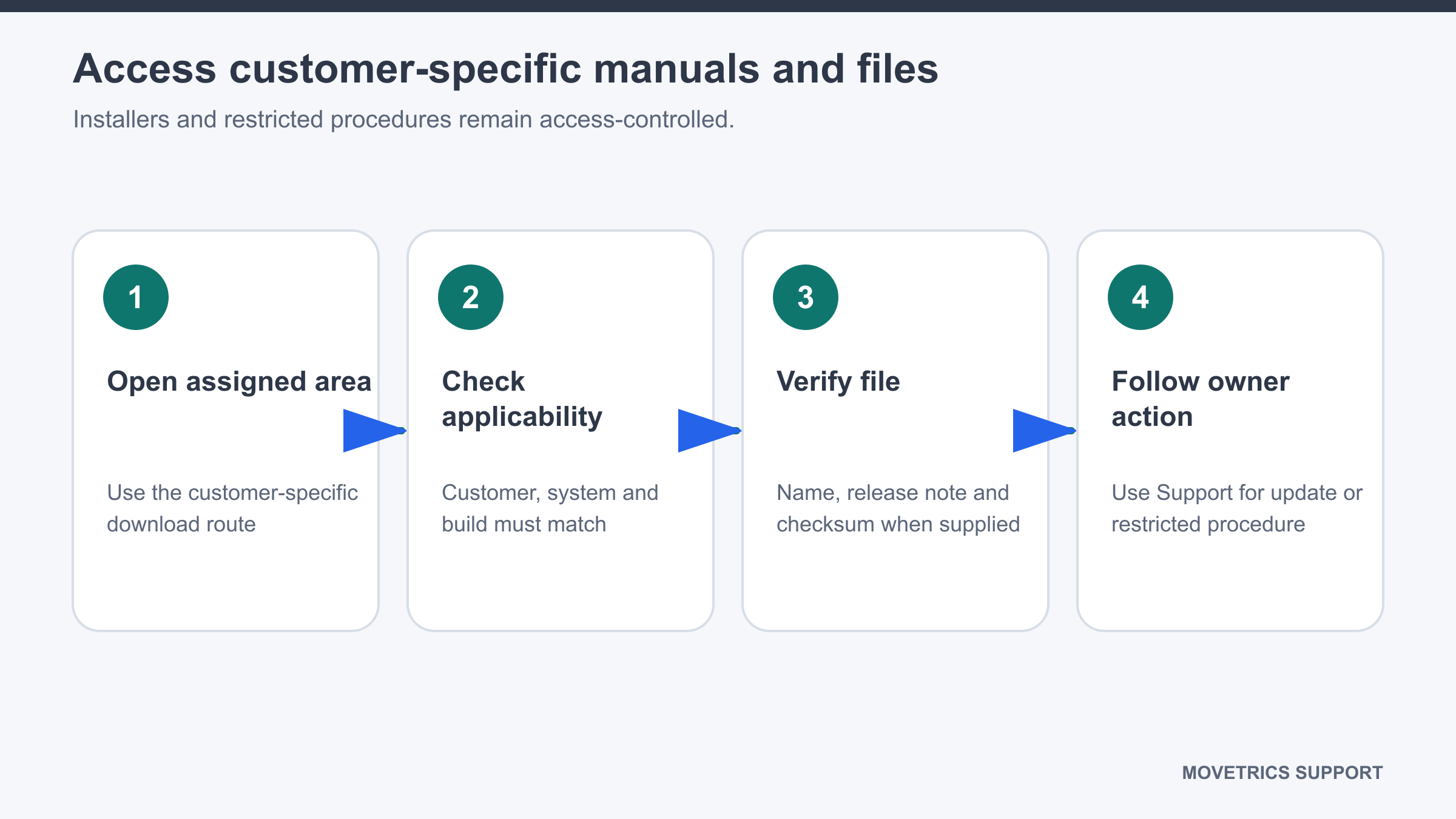
- Open the Downloads page.
- Follow the customer access control shown for your organisation.
- Confirm the file is assigned to your system, role, and intended task.
- Read the title, version, issue date, applicability, and any approval status before downloading.
- Download the file only to an approved customer location.
- When a checksum is supplied, verify it using the approved customer procedure before using the file.
- Open the file and confirm it is complete and matches the selected title and version.
- Do not forward gated links or controlled calibration, update, or rollback files to an unauthorised person.
You should now see
The intended current file is stored in an approved location and its applicability to the customer system is clear.
Stop or repeat when
- The customer, system, version, role, or purpose does not match.
- A required approval, issue date, applicability statement, or checksum is missing.
- The file appears incomplete, altered, or publicly accessible when it should be gated.
If it does not work
Do not search for or use a public replacement. Record the required file title, installed version, customer site, and access problem for a support request.