

Outcome
Keep the external system surfaces clean and protect components from liquid, impact, strain, and uncontrolled movement.
Applies to
This guide covers routine external care only. It does not authorise opening housings, adjusting fasteners, repairing cables, or performing calibration.
Before you begin
- Finish and save all work, close Movetrics Studio, and power off using the installed procedure.
- Disconnect a component only when the installed care or transport procedure requires it.
- Obtain the current cleaning instruction assigned to the installed system and prepare only the materials it specifies. If that instruction is unavailable, do not clean the hardware.
Steps
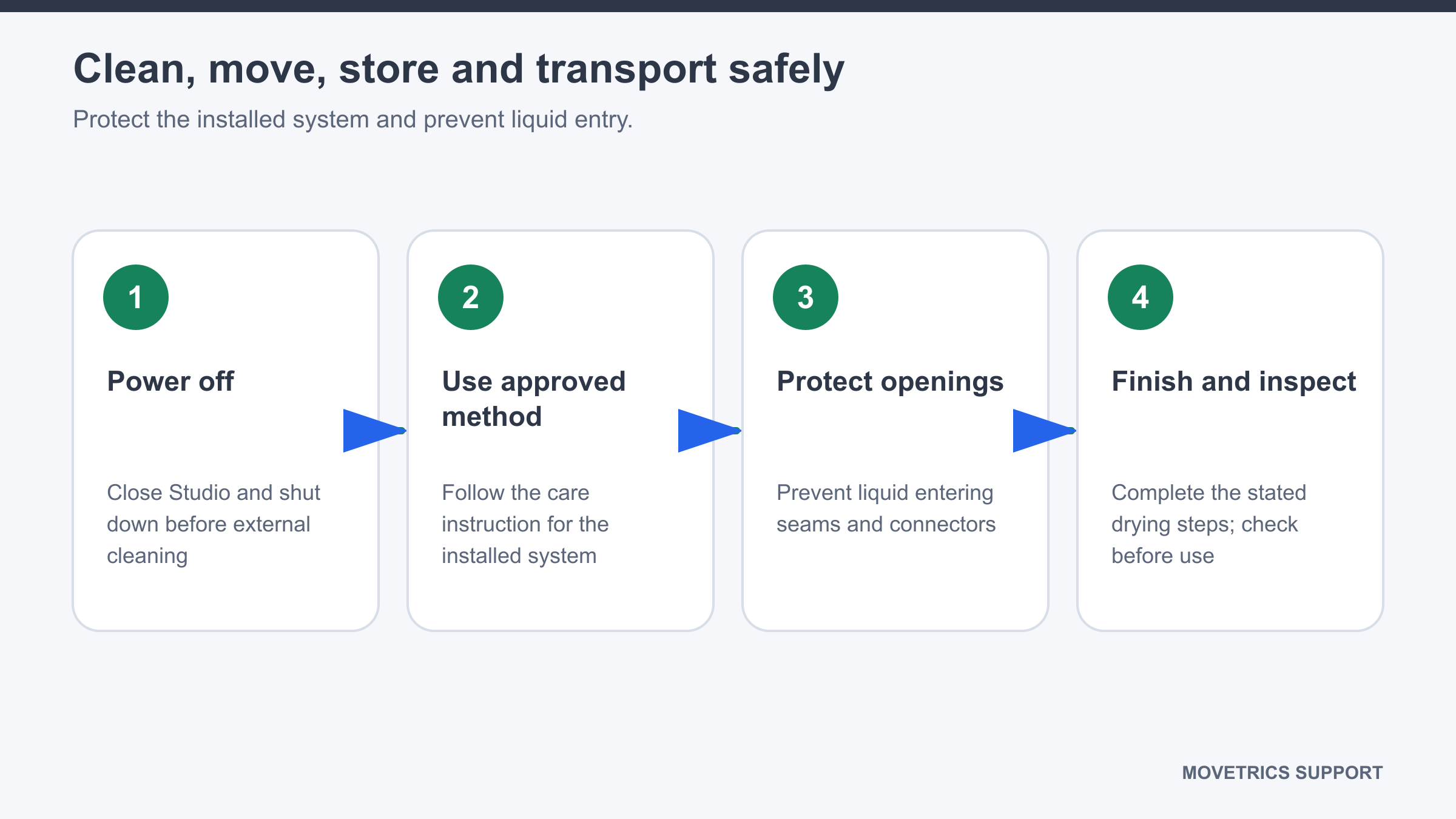
- Check that every component is powered off and cannot be started during cleaning.
- Confirm that the material and method in front of you exactly match the approved instruction for this installed system. Do not substitute another cleaner or method.
- Clean only the external surfaces and only as that instruction directs. Keep all moisture away from openings, seams, labels, and connectors.
- Prevent liquid entry and complete every drying step stated in the approved instruction.
- Inspect for remaining moisture, residue, looseness, or damage before storage or reconnection.
- Before moving a plate, disconnect and secure cables as required. Lift and support the plate without using a connector or cable as a handle.
- After moving plates, restore the approved position, platform order, and marked orientation before use.
- Store plates flat and protected from impacts or loads. Store the Force Data Terminal securely and route cables without tight coils or sharp bends.
- For transport, use the approved protective packaging and prevent components from moving inside it.
You should now see
All external surfaces are clean and dry, connectors are protected, cables are unstrained, and stored or transported components cannot move or receive loads.
Stop or repeat when
- Liquid enters or may have entered a seam, connector, or housing.
- A housing, surface, fastener, connector, or cable is damaged.
- A moved plate cannot be returned to the approved stable layout.
If it does not work
Leave the affected component powered off and do not attempt internal drying or repair. Record the component, event, material used, and visible condition.