

Outcome
Understand the parts of the system and the safe path from setup to a reviewed, saved examination.
Applies to
This guide is for people who operate an installed Movetrics F1-3D system, manage routine records, or review results. Movetrics Studio may look slightly different for each customer, but the main workflow remains the same.
Before you begin
- Use only the computer, Force Data Terminal, F1-3D force plates, cables, and configurations supplied for your system.
- Make sure you have been trained for the measurement you plan to run.
- Keep the force plates unloaded until Movetrics Studio asks the person being measured to step on them.
Steps
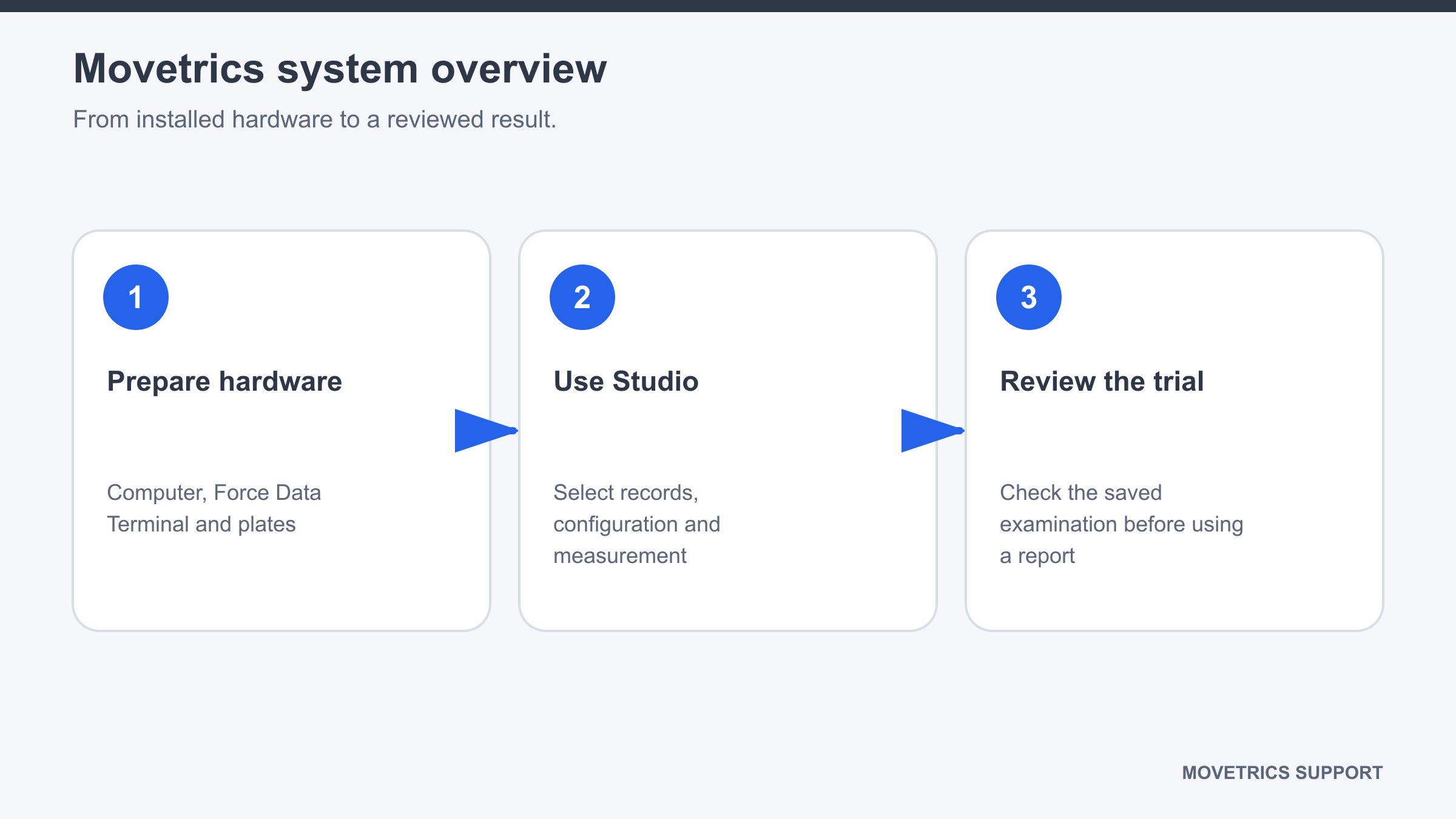
- Identify the system: the Windows computer runs Movetrics Studio, the Force Data Terminal connects the computer to the force plates, and the force plates record the measurement.
- Inspect the plates, connectors, cables, and test area before use. Nothing should be loose, damaged, wet, rocking, or positioned as a trip hazard.
- Open Movetrics Studio and wait until it is ready.
- On Home, select the correct project, Subject, force-plate configuration, and examination.
- On Measure, follow each prompt in order. Keep every plate unloaded during tare.
- After recording, open View and check that the trial matches what happened.
- Add the examiner and concise notes, including any change from the planned task.
- Generate and save a report only after the trial passes your review.
You should now see
The correct project, Subject, configuration, and examination are selected, and the saved trial can be opened in View with its traces and notes.
Stop or repeat when
- The physical plate arrangement does not match the selected configuration.
- Tare, displayed weight, the recorded sequence, or the report looks implausible.
- The person being measured feels unsafe or unwell.
If it does not work
Do not change calibration, firmware, licensing, data-service, or other service settings. Save the examination if possible, note the exact screen and message, and preserve the relevant files for a support request.