

Outcome
Confirm that a saved examination belongs to the intended task and record the context needed to review it later.
Applies to
Use View immediately after recording and before generating a report or exporting data.
Before you begin
- Recall what happened during the task, including any coaching, hesitation, missed contact, assistance, or interruption.
- Know the planned protocol conditions and your organisation’s rules for free-text notes.
Steps
- Open View.
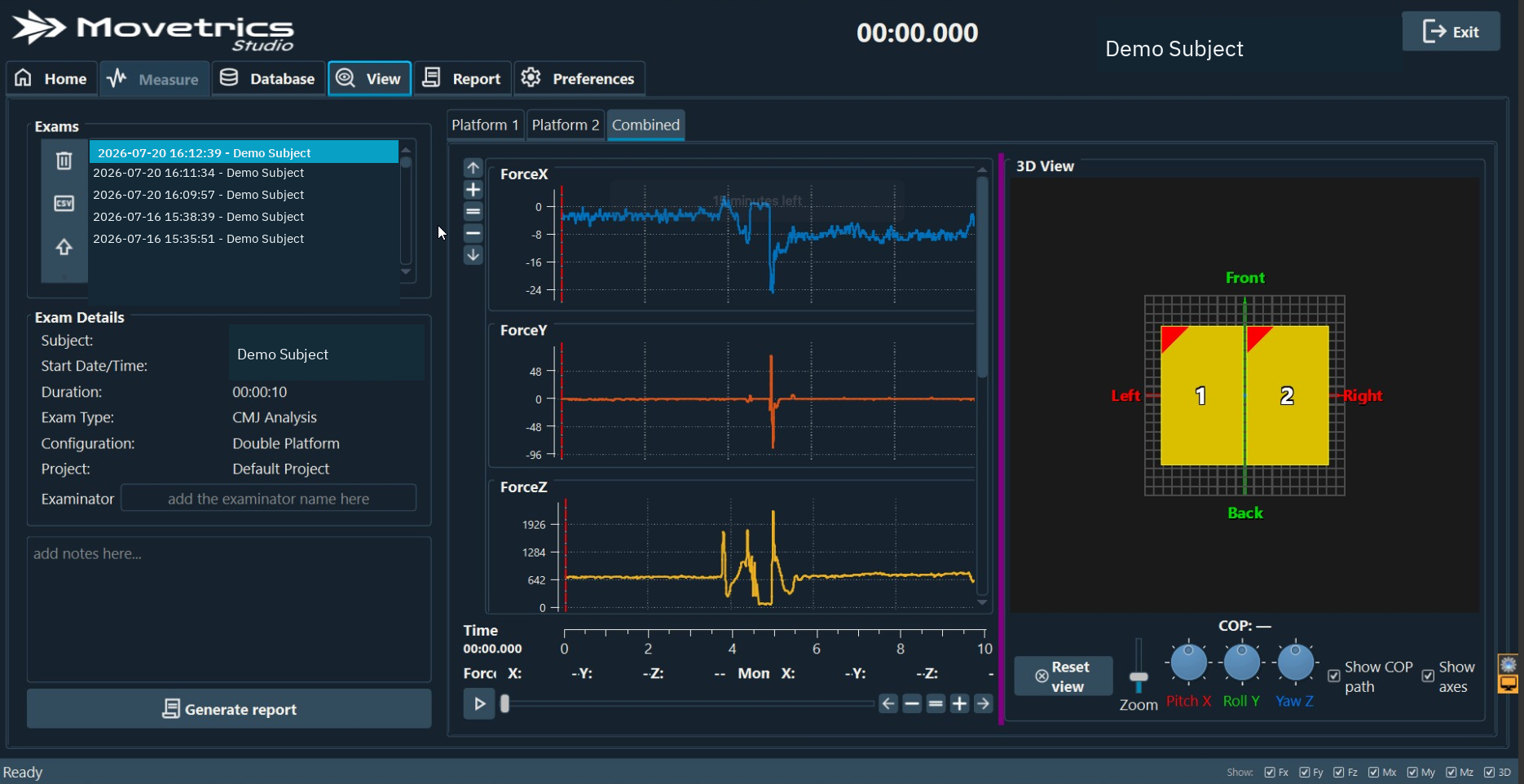
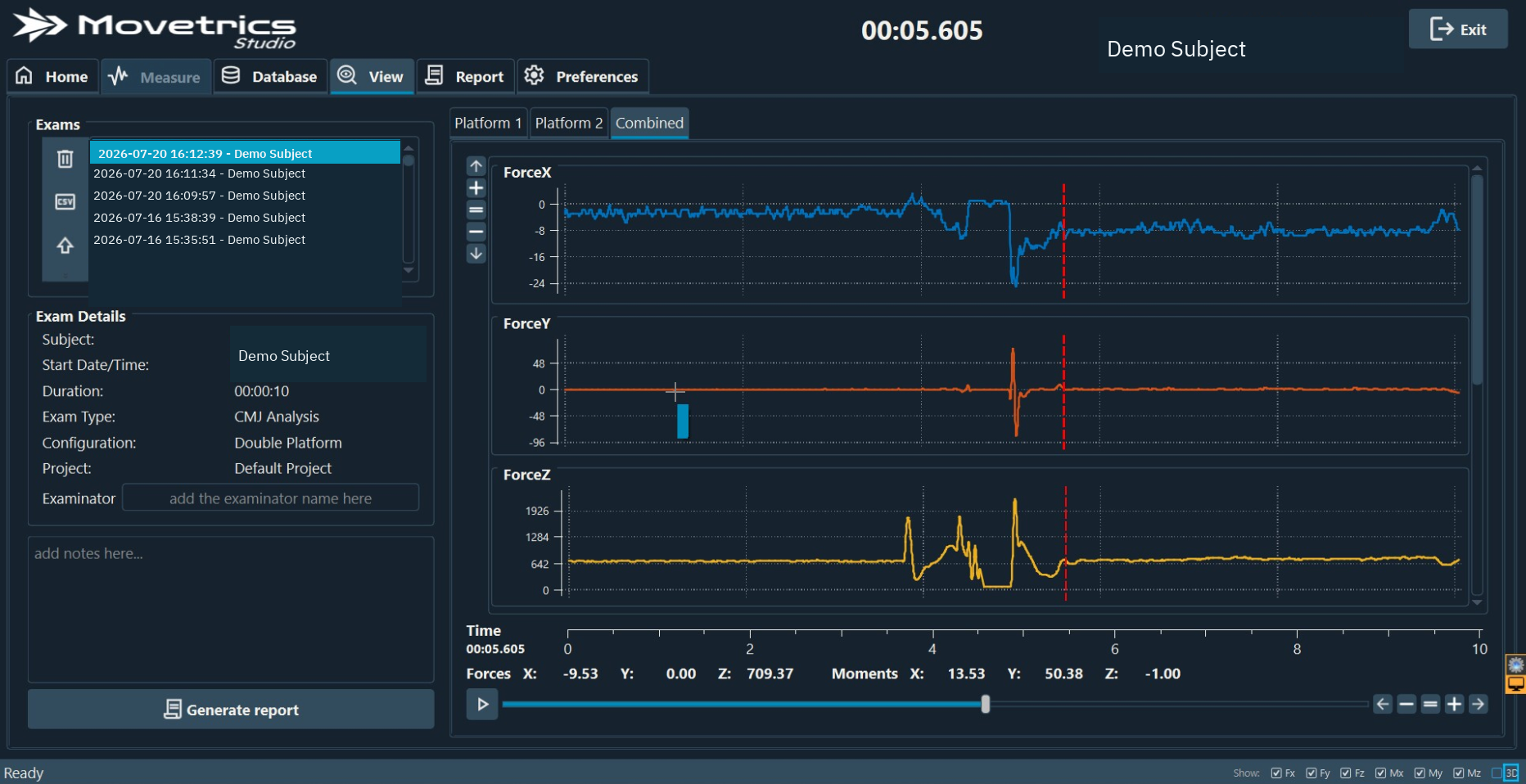
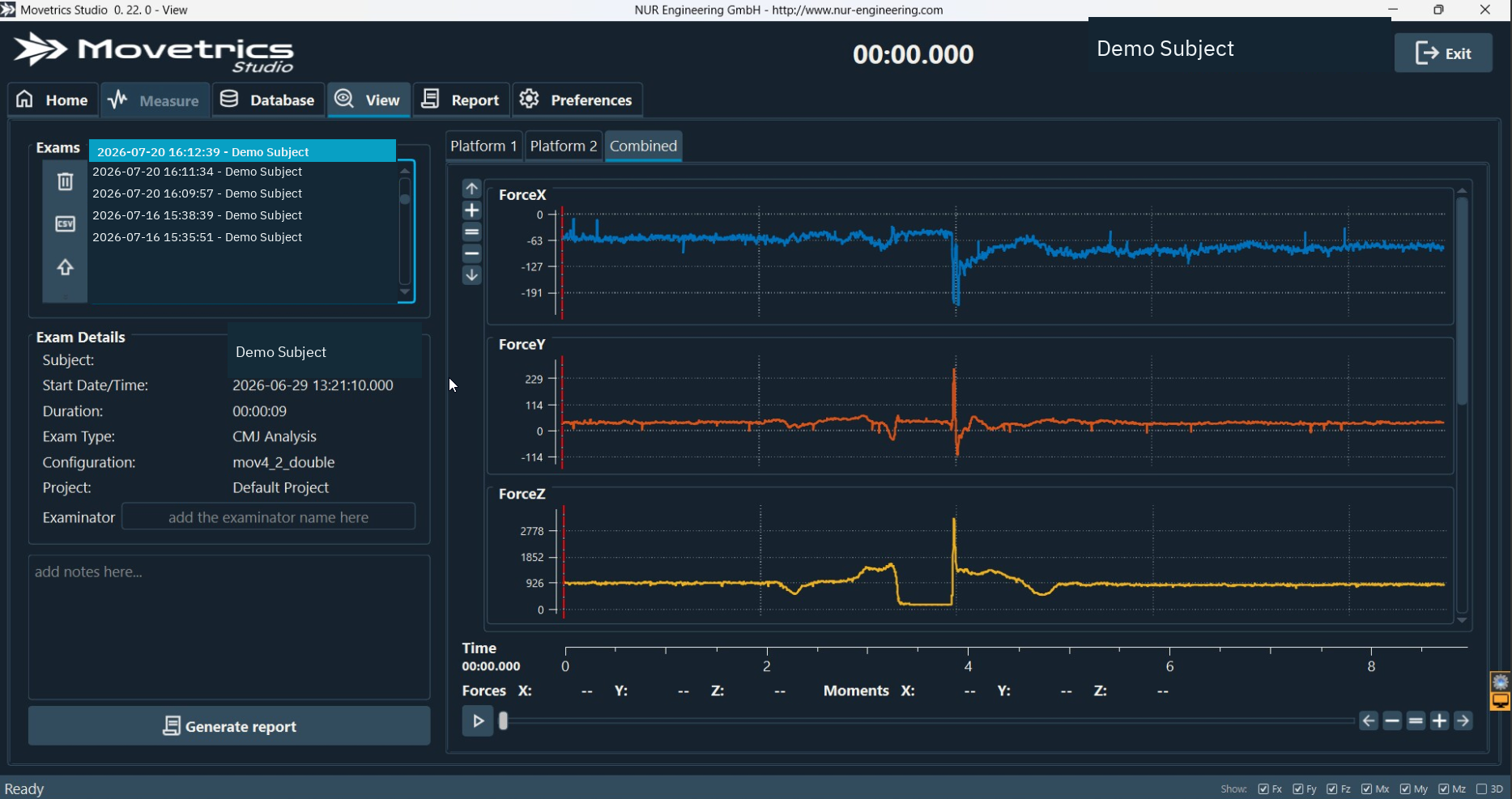
- Select the intended examination and verify its date, time, duration, protocol, project, Subject, and configuration.
- Enter or confirm the examiner.
- Add concise notes describing the setup and instructions that affect later review.
- Record any deviation, unexpected support, equipment change, or reason a trial will be repeated.
- Use playback, the time slider, and zoom controls to inspect the saved signals.
- Compare the available Platform 1, Platform 2, and Combined traces where relevant.
- Check that visible contact and movement events match what you observed.
- Save the notes before selecting another examination.
You should now see
The intended examination is selected, the trace represents the observed task, and its examiner and notes make the setup and any deviation understandable.
Stop or repeat when
- The wrong Subject, protocol, configuration, or examination is selected.
- The trace, platform assignment, standing weight, or event sequence looks implausible.
- Notes would include unnecessary sensitive information.
If it does not work
Do not generate a report from an uncertain trial. Preserve the examination, write down the discrepancy outside the Subject free-text fields if needed, and repeat the physical task only when it is safe and necessary.