

Outcome
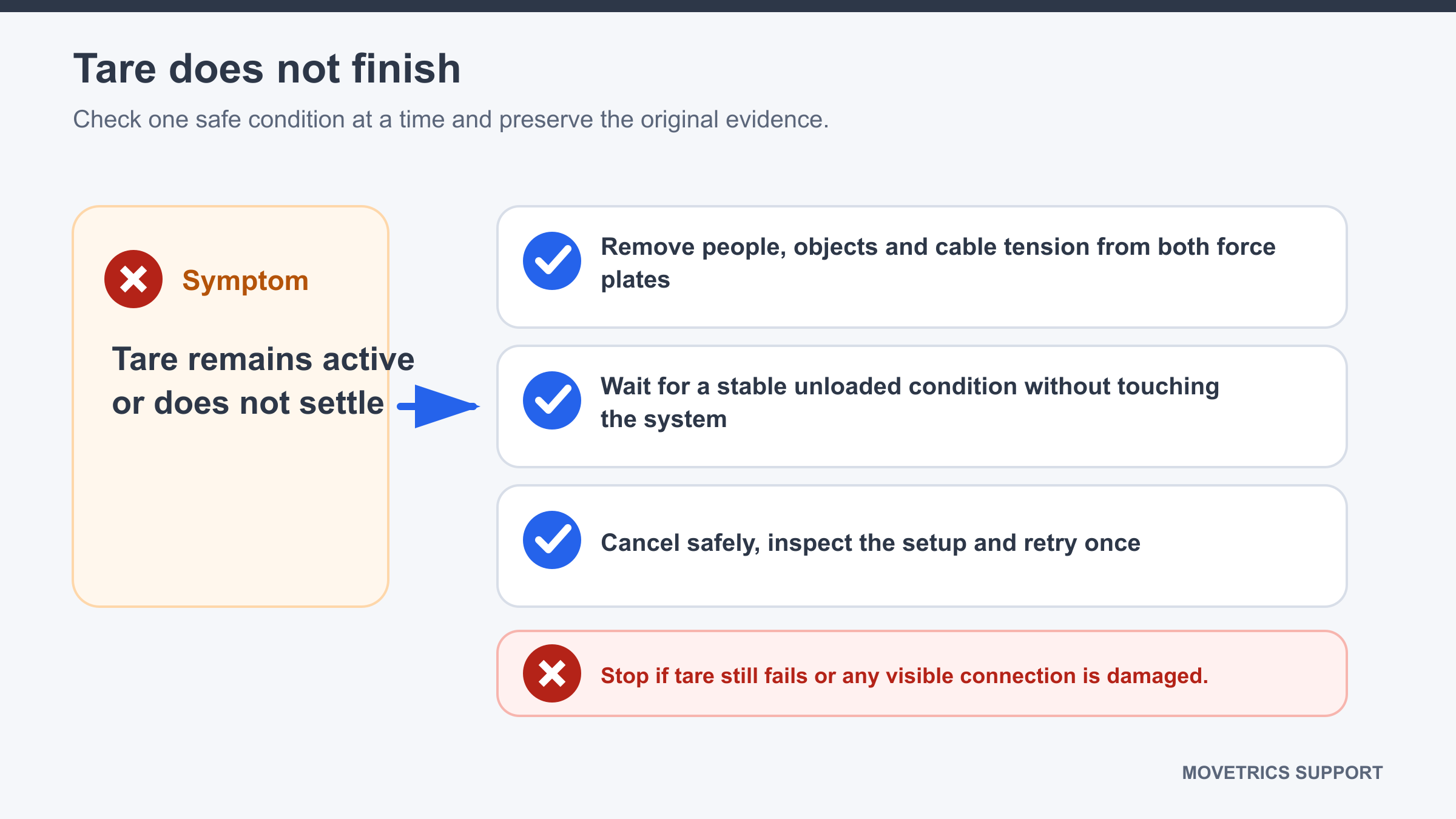
Remove unintended load or movement and complete a clean routine tare without entering calibration.
Applies to
Use this guide when the wizard remains at the tare stage or reports that tare could not be completed.
Before you begin
- Ask the person being measured to step fully away from every force plate.
- Keep chairs, boxes, hands, cables, and other equipment from touching a plate.
- Do not select Calibrate.
Steps
- Read and record the current wizard prompt or visible message.
- Abort or cancel the current examination using the normal control.
- Inspect each plate for a foot, hand, object, cable pull, contact with another plate, or rocking surface.
- Remove all contact and make sure every plate is stable.
- Confirm no one will enter the test area during tare.
- Start a new examination with the same verified project, Subject, configuration, and protocol.
- Keep the plates completely unloaded and untouched until tare confirms completion.
- Continue only when the wizard asks the person to step on or take position.
You should now see
Tare completes once with stable unloaded plates and the wizard advances to the next stage.
Stop or repeat when
- A plate cannot be kept stable and free from contact.
- Tare fails again after one clean restart.
- The standing reading is implausible after tare completes.
If it does not work
Stop using the affected setup. Record the platform, configuration, exact message, and what contacts were checked. Do not attempt Fz calibration as a tare workaround.