

Outcome
Understand what changed, what remains limited, and what users must check before operating an assigned customer build.
Applies to
Use only release notes that name the customer build assigned to the installed system. Support articles remain version-neutral unless a visible difference affects the task.
Before you begin
- Record the complete installed Movetrics Studio version from Preferences.
- Obtain the release notes assigned to that customer system.
- Do not install a package merely because its version appears newer.
Steps
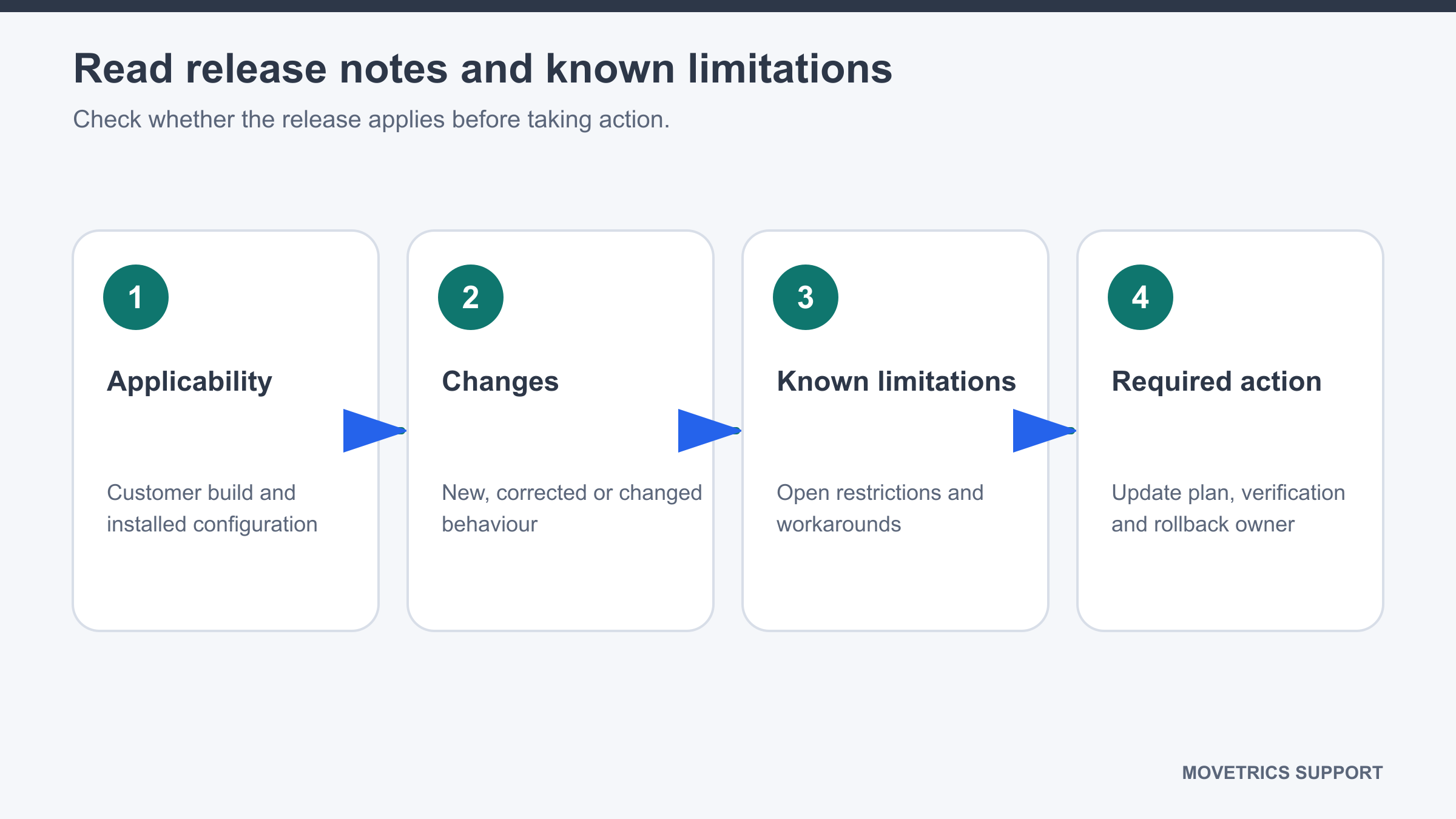
- Compare the release-note applicability with the customer, installed system, and current version.
- Read the summary of operator-visible changes.
- Read every known limitation, including affected workflows and outputs.
- Identify required actions before first use, such as a restart, configuration check, or controlled verification.
- Identify changes to screen labels or steps that affect local training material.
- Check whether data, reports, or existing records require special handling.
- Confirm the approved installation owner, verification checks, and rollback reference.
- Share the relevant operational changes with users before the updated build is used.
- Keep the release notes with the customer system’s controlled records.
You should now see
You can state whether the notes apply, what changed for users, what remains limited, and what checks are required before use.
Stop or repeat when
- The notes do not clearly match the customer system and installed version.
- A known limitation affects the planned task and no approved operating boundary is given.
- Installation, verification, or rollback responsibility is unclear.
If it does not work
Keep the installed build unchanged. Record the current version, intended target version, and missing applicability or limitation information for review.