

Outcome
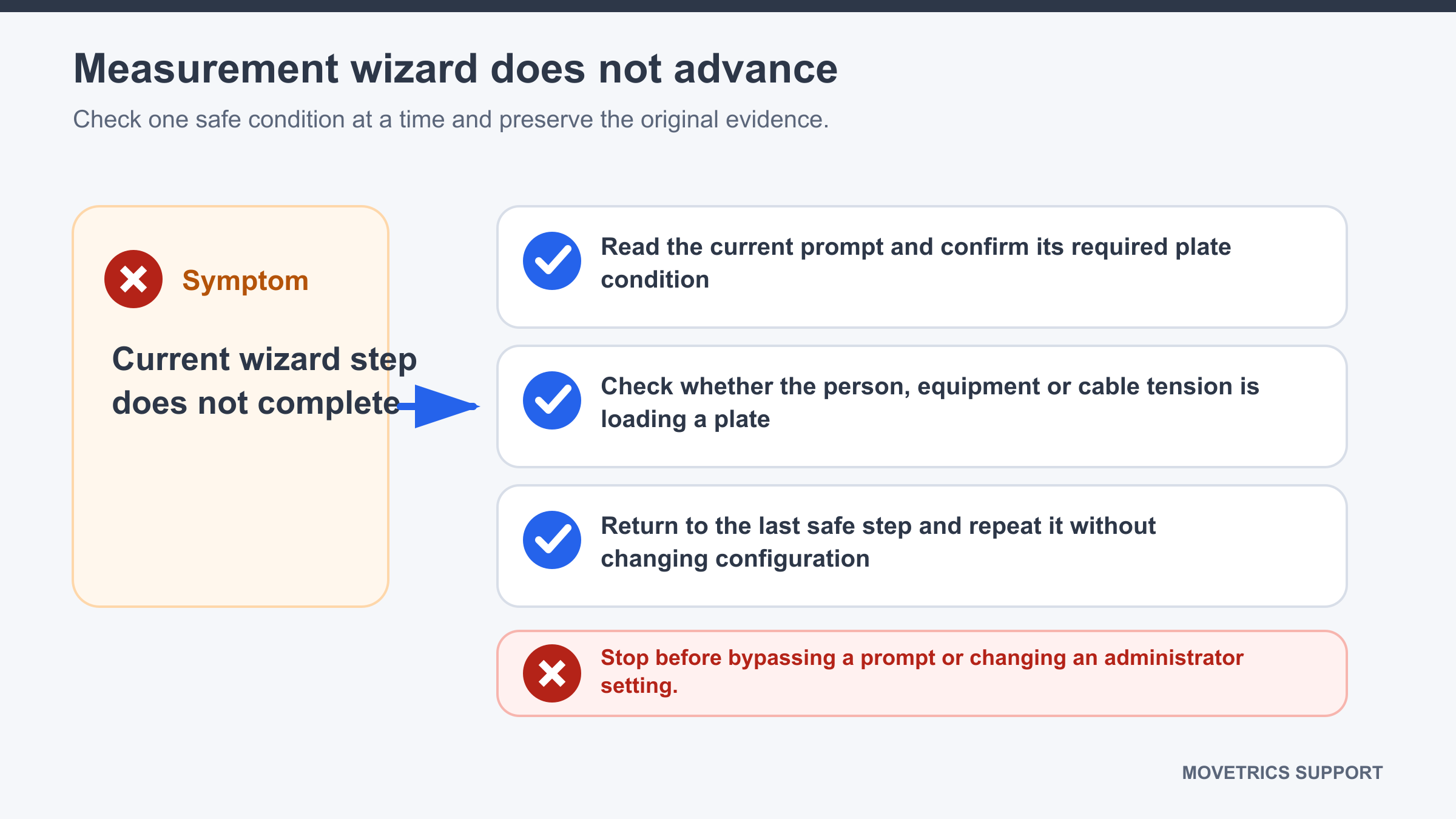
Match the current prompt to the required plate state or person position and restart safely if the stage remains stuck.
Applies to
Use this guide when the structured wizard stays on one stage longer than expected and does not show a clear hardware error.
Before you begin
- Keep the person safe and still, or ask them to step away when the current stage permits it.
- Do not press several controls repeatedly or try to force the next stage.
Steps
- Read the complete on-screen prompt and listen for any audio instruction.
- Identify the required state: unloaded plates, person positioned, still standing, ready confirmation, movement, or cooldown.
- Check that the selected protocol and configuration match the physical task.
- If the stage is tare, remove every contact from all plates.
- If the stage requires standing, place the feet fully on the configured plates and ask the person to remain still.
- If the stage requires operator confirmation, use only the named control once.
- Wait for the stage to respond without additional movement or input.
- If it remains stuck, abort the examination normally.
- Return to Home, verify project, Subject, configuration, and protocol, then start one clean new examination.
You should now see
The wizard advances after the required state is held, or the clean restart identifies the exact stage that repeatedly fails.
Stop or repeat when
- The prompt and actual stage appear inconsistent.
- The same stage remains stuck after one clean restart.
- The person cannot safely maintain the requested position.
If it does not work
Preserve the examination if it was saved. Record the protocol, failed stage, exact prompt, configuration, and what the person and plates were doing. Do not bypass the wizard or change service settings.