

Outcome
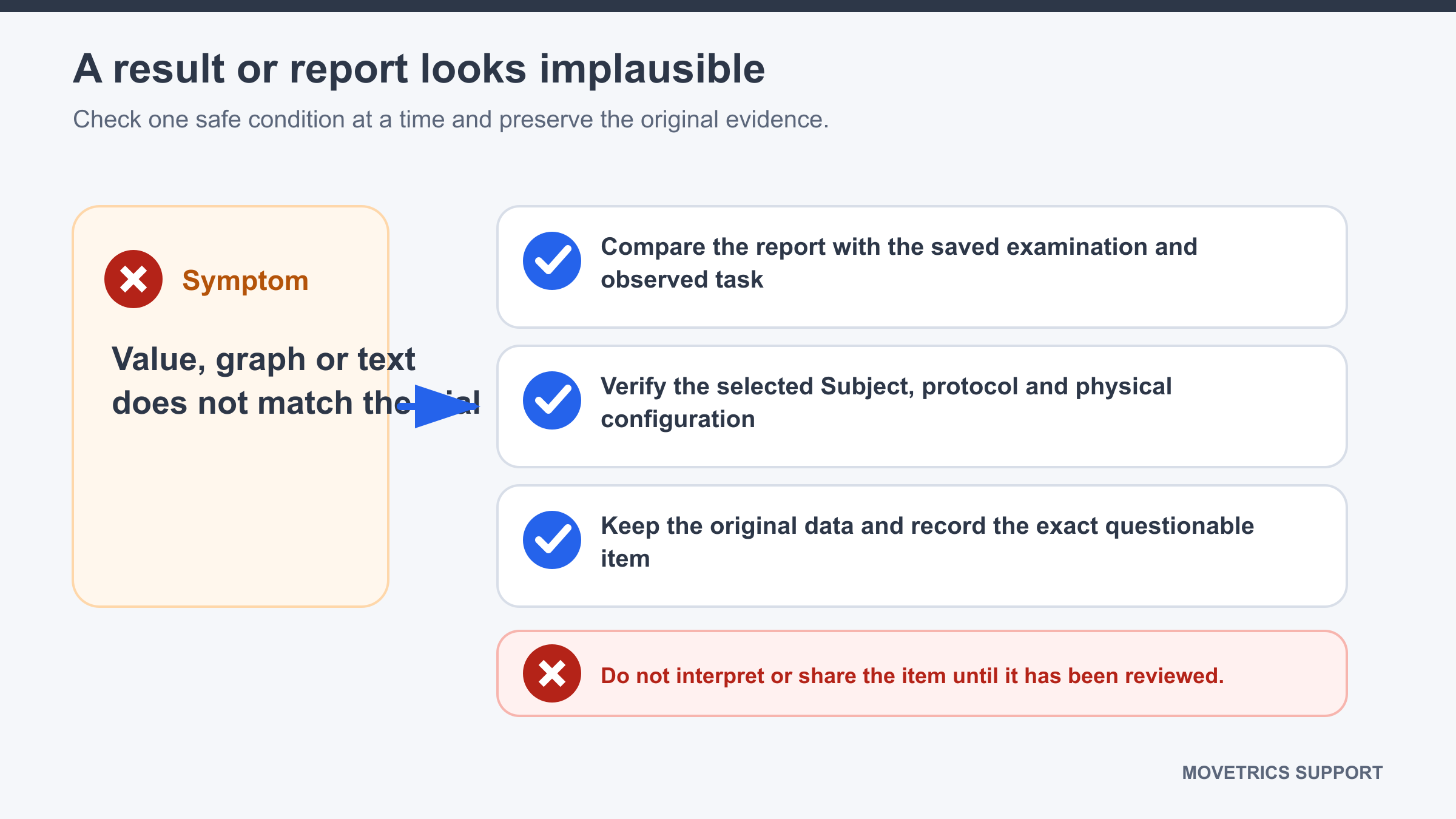
Stop use of the questionable output, preserve its source examination, and document the exact inconsistency for review.
Applies to
Use this guide whenever a value, unit, phase, graph, platform assignment, description, or AI-assisted statement does not fit the recorded task or contradicts another part of the output.
Before you begin
- Do not communicate or make a decision from the questionable output.
- Keep the original examination, report, and export unchanged.
- Open the examination in View and the matching report together.
Steps
- Confirm the report belongs to the intended project, Subject, protocol, and examination time.
- Confirm the selected configuration matches the physical plate arrangement used during recording.
- Review tare, standing state, task execution, contacts, and event order from the operator notes and trace.
- Identify the exact questionable item: its label, value, unit, graph location, phase, side, or sentence.
- Check whether the table, graph, and text agree with each other.
- Check whether AI-assisted text repeats the measured values correctly and avoids unsupported conclusions.
- Record what you expected only as an observation or question, not as a corrected result.
- Save the original examination, raw export when authorised, report, configuration name, examiner notes, and installed version information.
- Exclude the output from use until the discrepancy is resolved.
You should now see
A preserved evidence set and a precise description of one or more inconsistencies, with the affected output clearly excluded from use.
Stop or repeat when
- Any metric, unit, graph, phase, side assignment, or statement conflicts with the trace or another report section.
- The task quality, tare, configuration, or event sequence is uncertain.
- Repeating the physical task would create unnecessary burden or risk.
If it does not work
Do not edit the PDF, recalculate values without an approved method, or select a different value because it looks more plausible. Keep the original files and prepare a support request with the discrepancy stated exactly.