

Outcome
Bring the installed system into a ready state and close it without interrupting recording, reporting, or stored work.
Applies to
Follow the exact power and connection order supplied for your customer system. This guide covers the user-facing checks around that installed sequence.
Before you begin
- Confirm all cables follow the approved connection diagram.
- Keep all force plates unloaded.
- Close any other program that may use the installed controller connection.
Steps
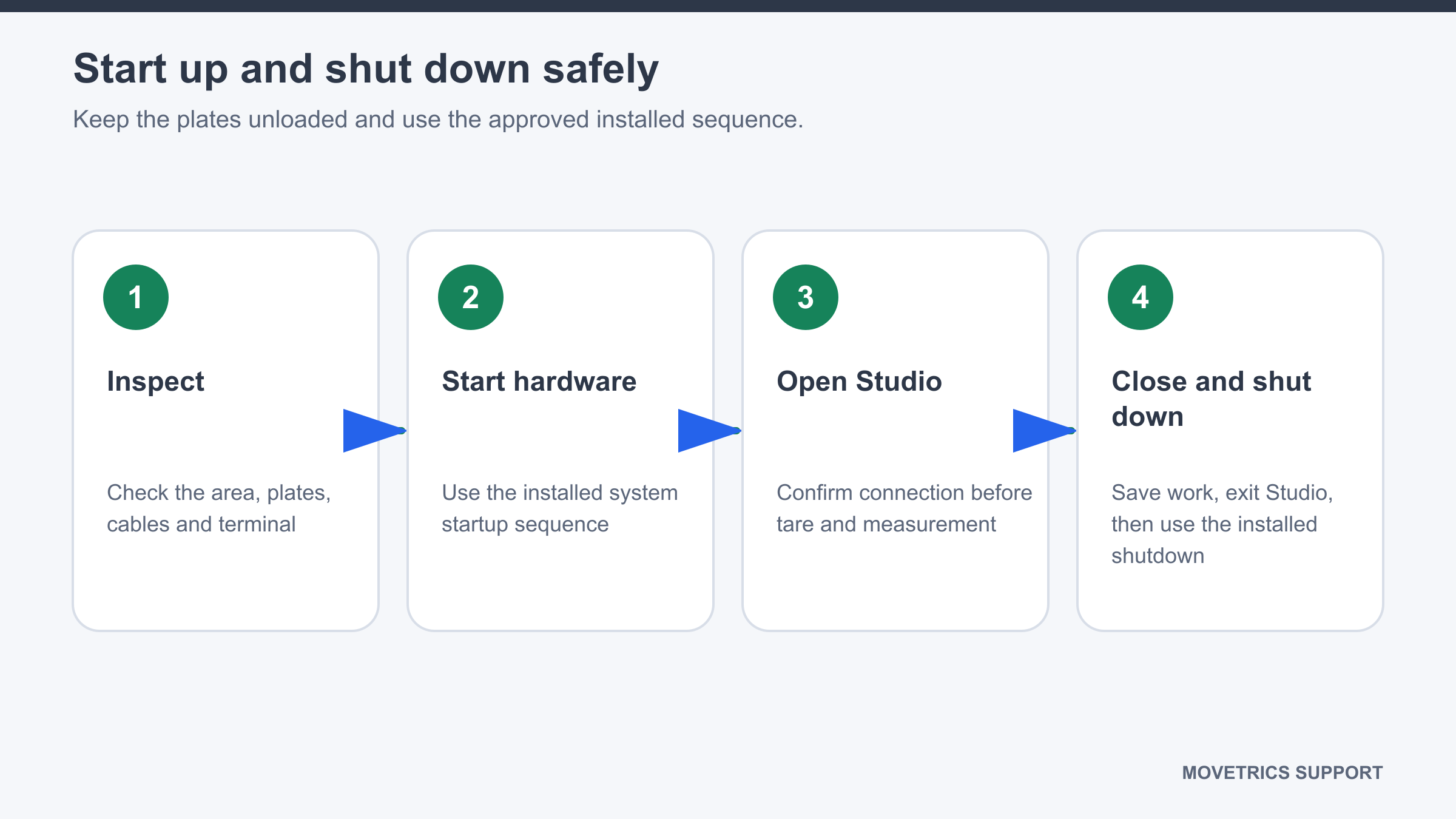
- Inspect the plates, Force Data Terminal, cables, and test area.
- Start the hardware using the installed customer sequence.
- Start the Windows computer if it is not already running.
- Open Movetrics Studio.
- Wait until startup finishes and the application shows its ready state.
- Before shutdown, finish the active examination and save examiner notes and required files.
- Confirm no recording, export, or report generation is active.
- Return to Home, select Exit, and allow Movetrics Studio to close fully.
- Shut down the computer and hardware only as required by the installed sequence.
- If a cable must be disconnected, hold the connector body and protect the loose end from damage and moisture.
You should now see
After startup, Movetrics Studio is ready and the controller is available. After shutdown, the application is closed and no unfinished operation remains.
Stop or repeat when
- Hardware is damaged, wet, unstable, or incorrectly connected.
- Movetrics Studio reports a connection problem or does not finish startup.
- A recording or report is still being processed during shutdown.
If it does not work
Wait for any active process to finish. If startup still fails, close Movetrics Studio, recheck the approved connections, and perform one clean restart. Preserve any visible message if the problem remains.