

Outcome
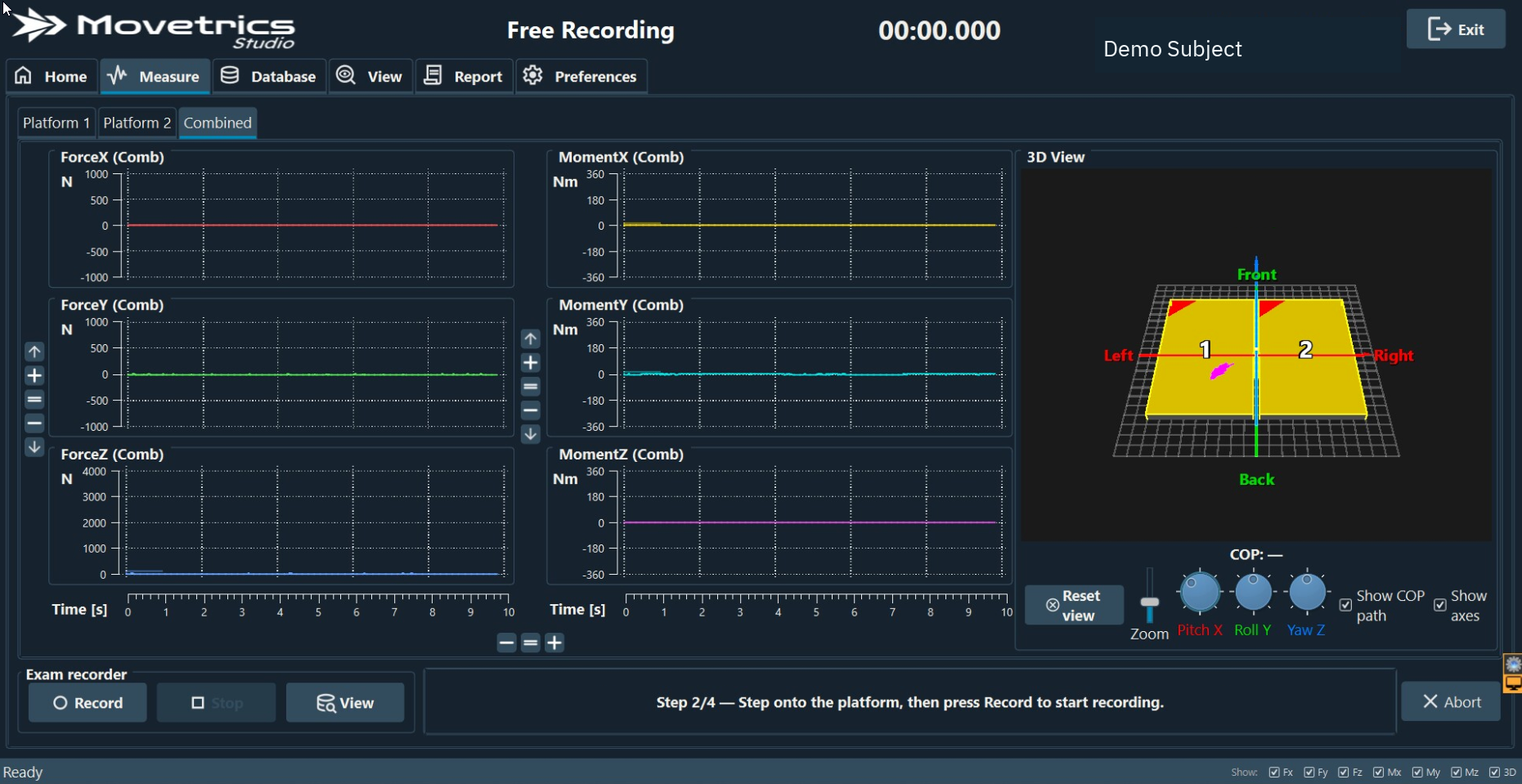
Complete the tare, positioning, recording, and finish stages in the order controlled by Movetrics Studio.
Applies to
This guide explains the common wizard logic. The selected protocol guide provides the complete person cue, setup, and repeat criteria for that measurement.
Before you begin
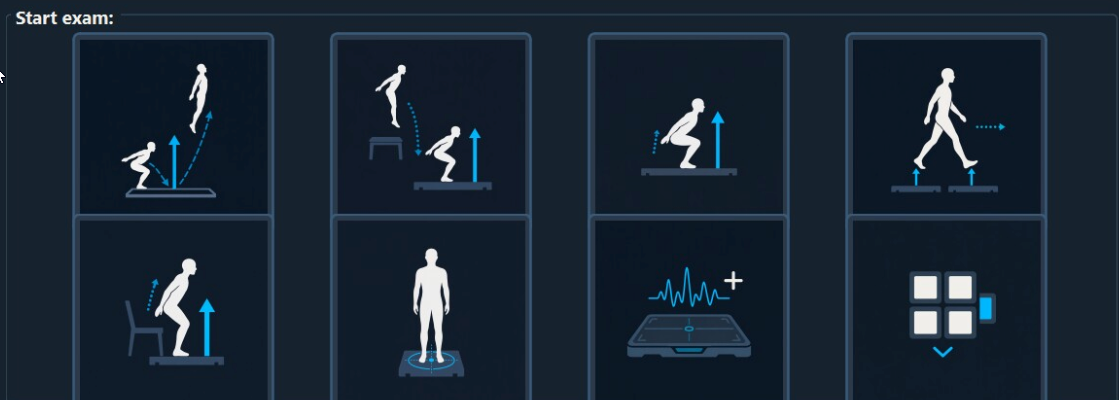
- Select the correct project, Subject, configuration, and examination on Home.
- Explain the complete task before the person steps into position.
- Clear the area and arrange spotting when needed.
Steps
- Select the examination tile on Home. Measure opens with the wizard.
- Read the current on-screen prompt aloud if the person needs guidance.
- During Tare, keep all force plates completely unloaded and untouched.
- Ask the person to step on or take position only when the wizard prompts you.
- During a weight or stillness stage, ask the person to remain quiet and stable.
- At the ready stage, confirm the full area is clear and the person remembers the task.
- Follow the on-screen and audio cue for recording. Do not press controls or interrupt an automatically controlled stage.
- After the task, ask the person to remain still until the wizard allows them to step off.
- Complete or finish the wizard, then open View to review the saved examination.
You should now see
Each wizard stage completes in order and the recorded examination appears in View under the correct context.
Stop or repeat when
- Anything touches a plate during tare.
- The person moves during a required stillness stage.
- The visible prompt does not match the person’s position or the observed task.
- The operator interrupts an automatic stage.
If it does not work
Read the current prompt again and check the required plate contact and position. If the wizard remains stuck, abort safely, keep the plates unloaded, and begin a clean new examination rather than forcing the next stage.