

Outcome
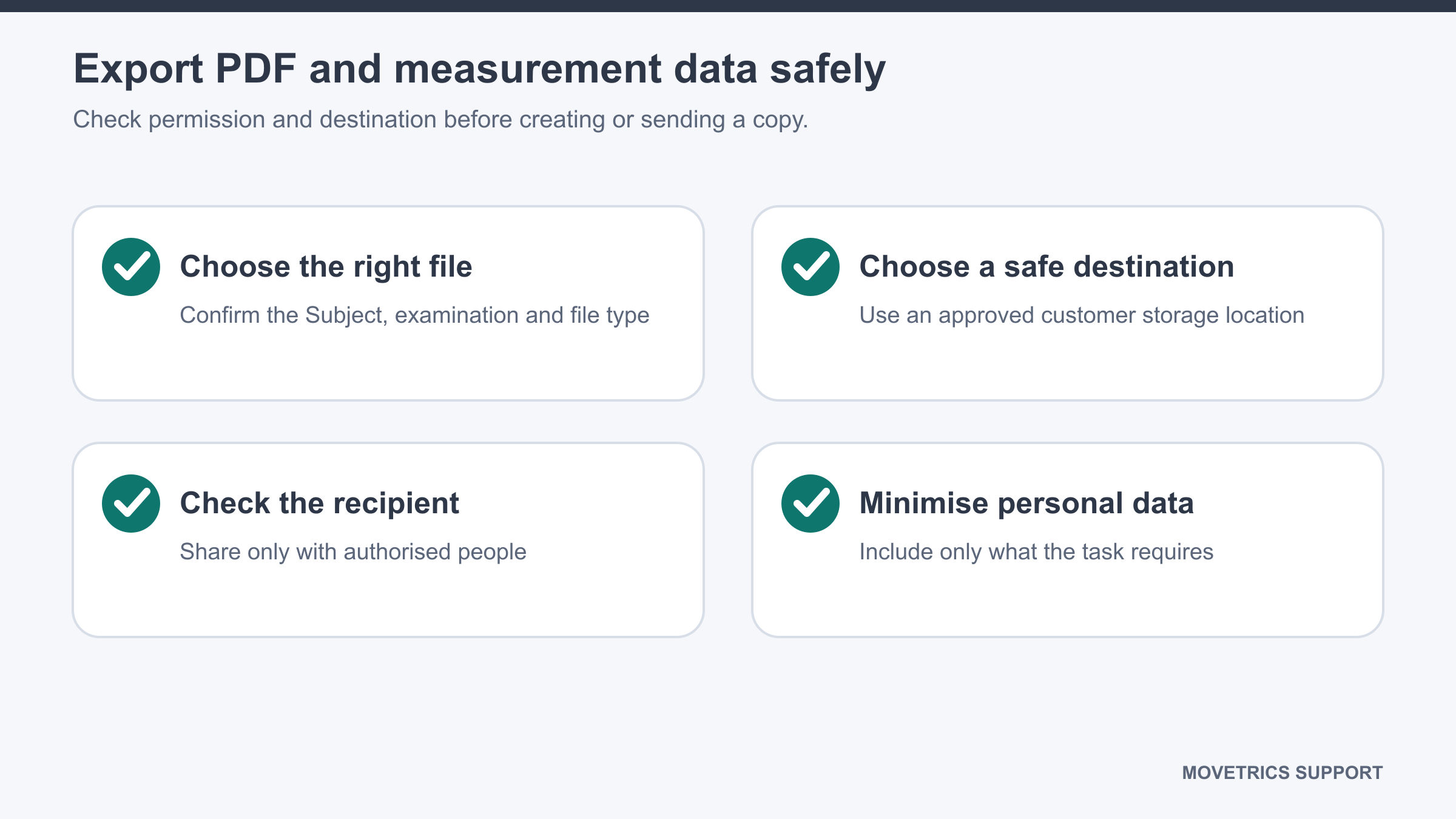
Save a reviewed PDF report to an approved location and avoid unsupported or uncontrolled measurement-data exports.
Applies to
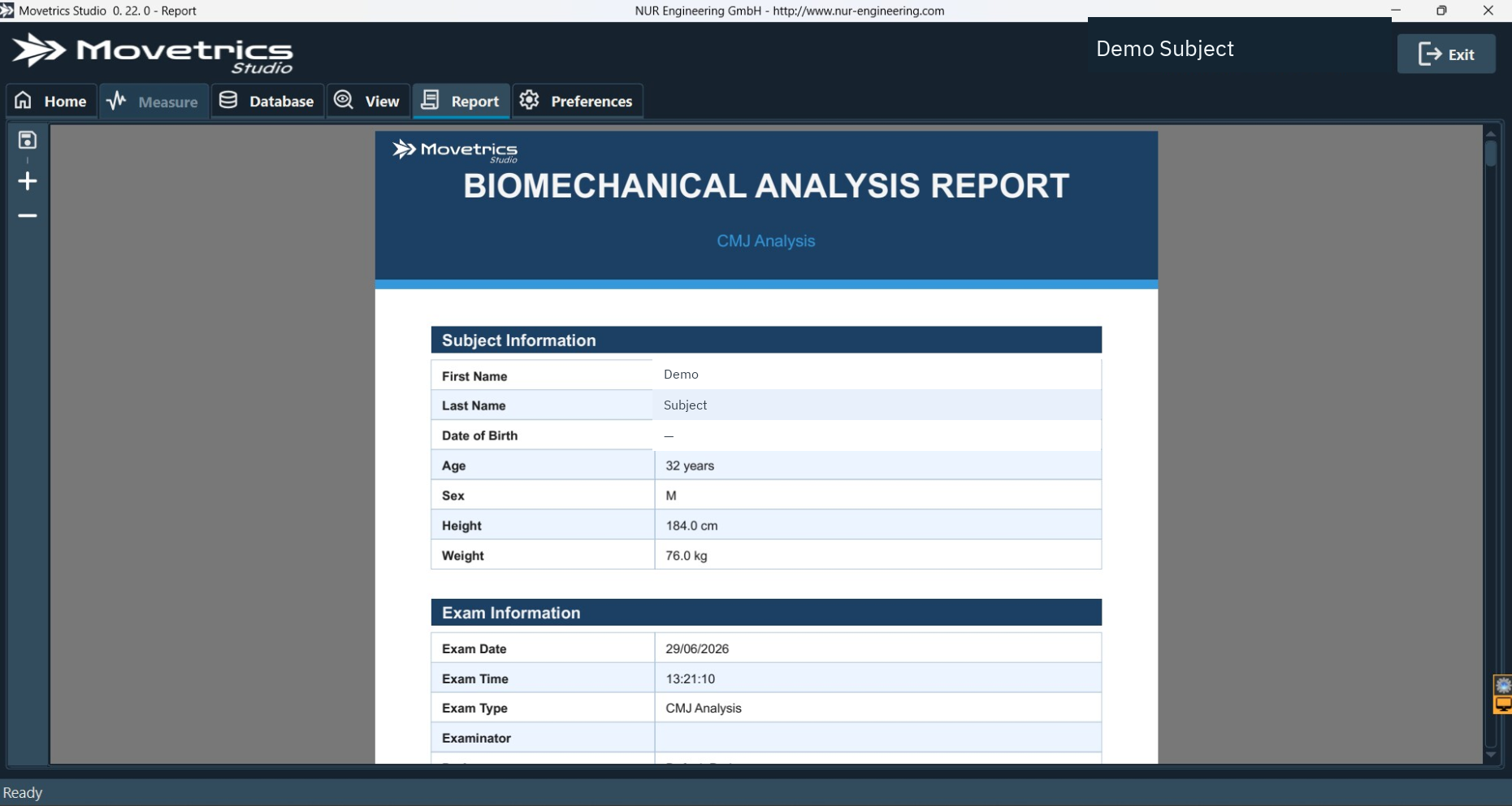
The supplied walkthrough shows a save control for the generated PDF in Report. It does not establish a general CSV or raw measurement-data export control. If another export is present in your installed build, use it only under a separately approved data workflow or request current instructions from Movetrics Support.
Before you begin
- Confirm that the saved examination and report have passed human review.
- Know the approved storage location, recipient, transfer method, retention rule, and deletion rule.
- Check whether the report contains a name, identifier, date, notes, or other personal information that the recipient does not need.
- Do not assume that a raw-data or CSV export is supported because a PDF can be saved.
Steps
- Open the intended report and confirm its project, Subject, examination type, and date and time.
- Review its tables, graphs, labels, and any AI-assisted text before saving.
- Select the report Save control.
- Choose the approved local or controlled network location.
- Use the organisation’s approved file name without unnecessary personal details.
- Open the saved PDF and confirm that it is readable, complete, and belongs to the intended examination.
- Check the recipient and access permission immediately before sharing.
- Apply the organisation’s access, retention, deletion, and incident procedures.
- If measurement data rather than a PDF is required, stop and obtain the approved export instruction for the installed build.
You should now see
One readable PDF in the approved location, accessible only to the intended people. No raw measurement-data file is created unless a separately verified and authorised workflow exists.
Stop or repeat when
- The report, Subject, recipient, destination, permission, or purpose is uncertain.
- The PDF contains information the recipient should not receive.
- The saved file is incomplete or belongs to another examination.
- A raw-data or CSV export control, format, content, or approval cannot be verified.
If it does not work
Cancel the transfer and keep the file in the approved local location. Do not use personal email, public links, unapproved storage, or an undocumented export method as a workaround. Record the installed version and contact Movetrics Support for the exact supported workflow.