

Outcome
Restore the approved controller connection or collect enough evidence to stop safely without changing service settings.
Applies to
Use this guide when Movetrics Studio does not show the expected controller or cannot reach its ready state.
Before you begin
- Keep all force plates unloaded and do not start an examination.
- Have the customer-specific connection diagram available.
- Save other work and close any program that might use the same controller connection.
Steps
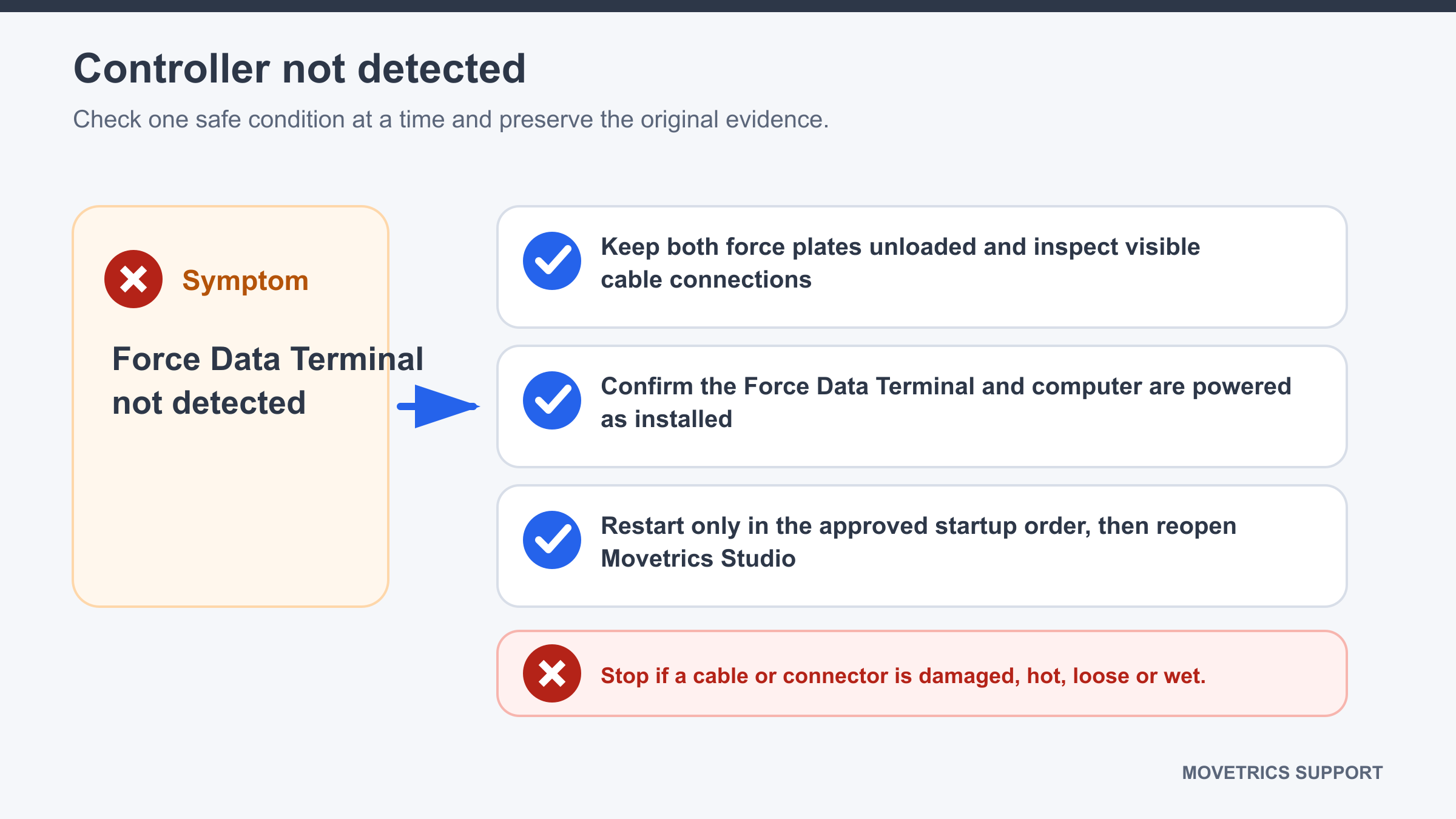
- Read and record the exact message shown in Movetrics Studio.
- Close Movetrics Studio normally.
- Check the installed power state without changing the customer power arrangement.
- Follow the approved connection path from the Windows computer to the Force Data Terminal and through the force plates.
- Check that every supplied connector is fully seated, dry, undamaged, and free from cable tension.
- Use the same computer port normally assigned to the system.
- Reopen Movetrics Studio and wait for startup to finish.
- If the controller is still missing, open Preferences and compare the selected serial port with the approved assignment.
- If the approved assignment has changed, an authorised customer administrator may select the correct serial port and restart Movetrics Studio.
- Stop after one clean reconnection and restart if detection still fails.
You should now see
Movetrics Studio reaches its ready state and shows the expected controller without repeated disconnects.
Stop or repeat when
- A connector or cable is damaged, loose, wet, or does not match the diagram.
- Detection fails after one clean restart or the controller repeatedly disconnects.
- The correct serial-port assignment is unknown.
If it does not work
Leave the system unused. Record the Movetrics Studio version, private controller and firmware information, exact message, connection path checked, and time of the failure. Do not reinstall software, try service ports, or use unapproved cables.