

Outcome
Rule out setup, tare, stillness, and plate-contact problems before excluding the examination.
Applies to
Use this guide when the displayed standing weight is clearly unexpected, unstable, or inconsistent with the observed person and setup.
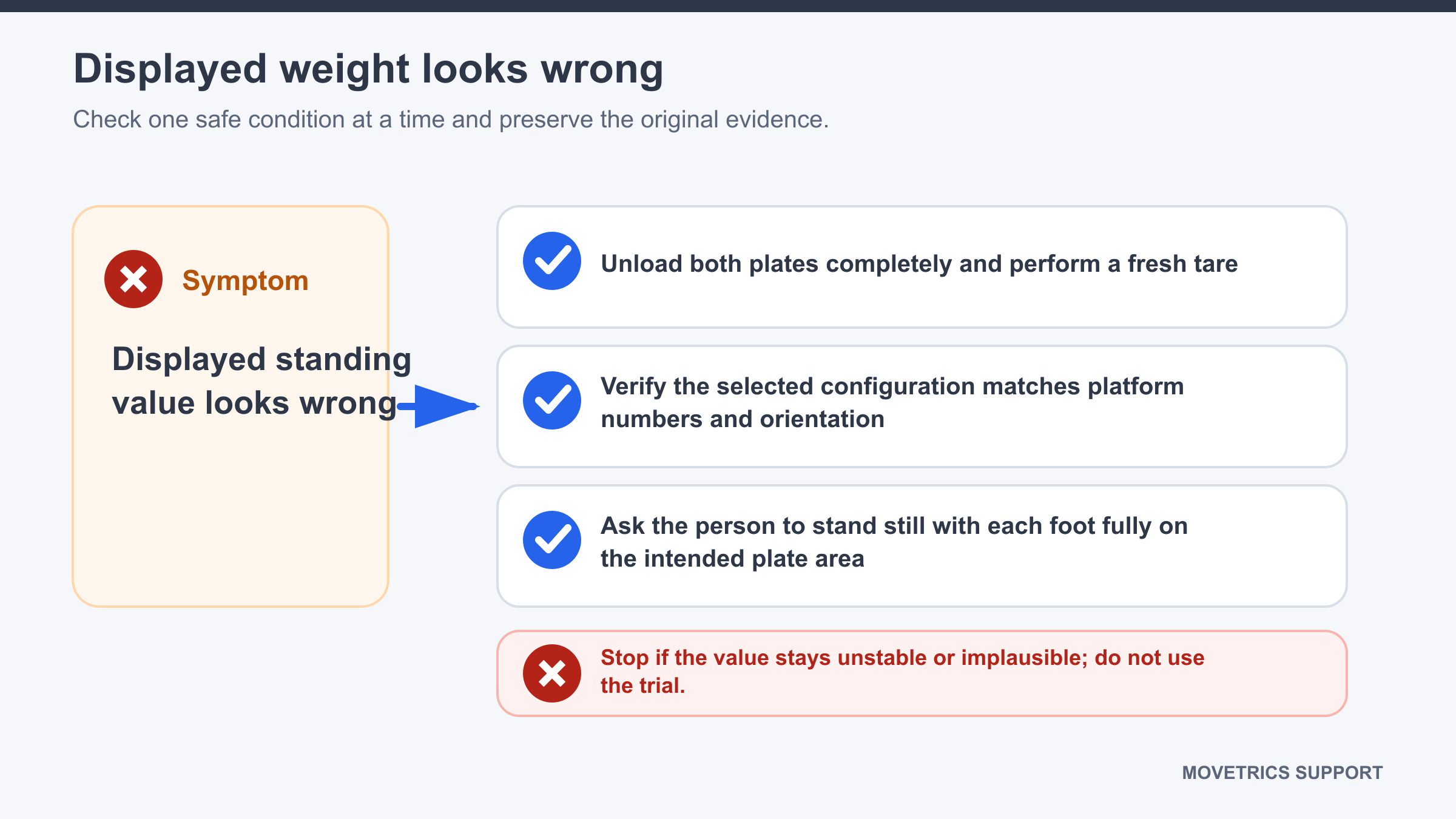
Before you begin
- Do not rely on the affected trial or generate its report.
- Check that the correct Subject and force-plate configuration are selected.
- Ask the person to step away from the plates.
Steps
- Record the displayed value and whether it is stable, drifting, or changing suddenly.
- Abort the examination normally.
- Check that both plates are stable, correctly oriented, and free from contact or cable tension.
- Confirm the selected configuration matches the physical platform assignment.
- Start a new examination and complete tare with every plate unloaded.
- When prompted, ask the person to place each foot fully on the configured plate without touching another object.
- Ask the person to stand still and wait for the displayed state to settle.
- Compare the repeated display with the expected general body mass known for session setup, without entering a replacement value to force agreement.
- If it remains implausible, preserve both attempts and stop measurement use of the affected setup.
You should now see
A stable standing display that is plausible for the person and consistent across a clean repeated workflow.
Stop or repeat when
- The repeated display remains clearly implausible or unstable.
- One platform appears unresponsive or very different without a visible reason.
- The person cannot stand still or keep both feet fully on the intended plates.
If it does not work
Do not change calibration, substitute a manually entered value, or interpret the report. Record the configuration, platforms, displayed values, person position, and exact steps already repeated.